Menu

Procreate only runs on iPad. Here are five digital art apps that do not — what each one is genuinely good at, and which to pick for the work you are making.
.webp)
Reads
5 min read

Procreate is an iPad-only app. If you work on Windows or Android, its features are simply out of reach — no web version, no desktop version, no plans for either.
The good news is that the alternatives have caught up. Here are five worth your time, and what each one is actually good at.
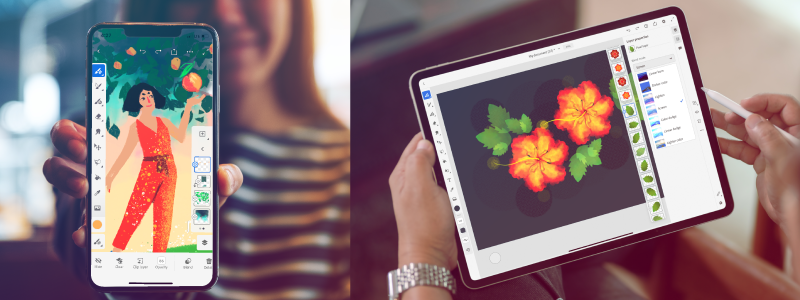
Adobe Fresco is the closest thing to Procreate on Windows, and since Adobe retired the Premium tier in late 2024 the whole app is free — live brushes, vector brushes, cloud sync and all.
Its signature feature is Live Brushes: watercolour that bleeds into the paper and oils that smear when you push into them, rather than a flat stamp of colour.
Fresco also holds vector and raster artwork in the same document, so a crisp logo and a painted background can live on adjacent layers, and it syncs with the rest of Creative Cloud if you already work in Photoshop or Illustrator.
Runs on Windows and iPad. If you are moving off Procreate and want the smallest adjustment, start here.
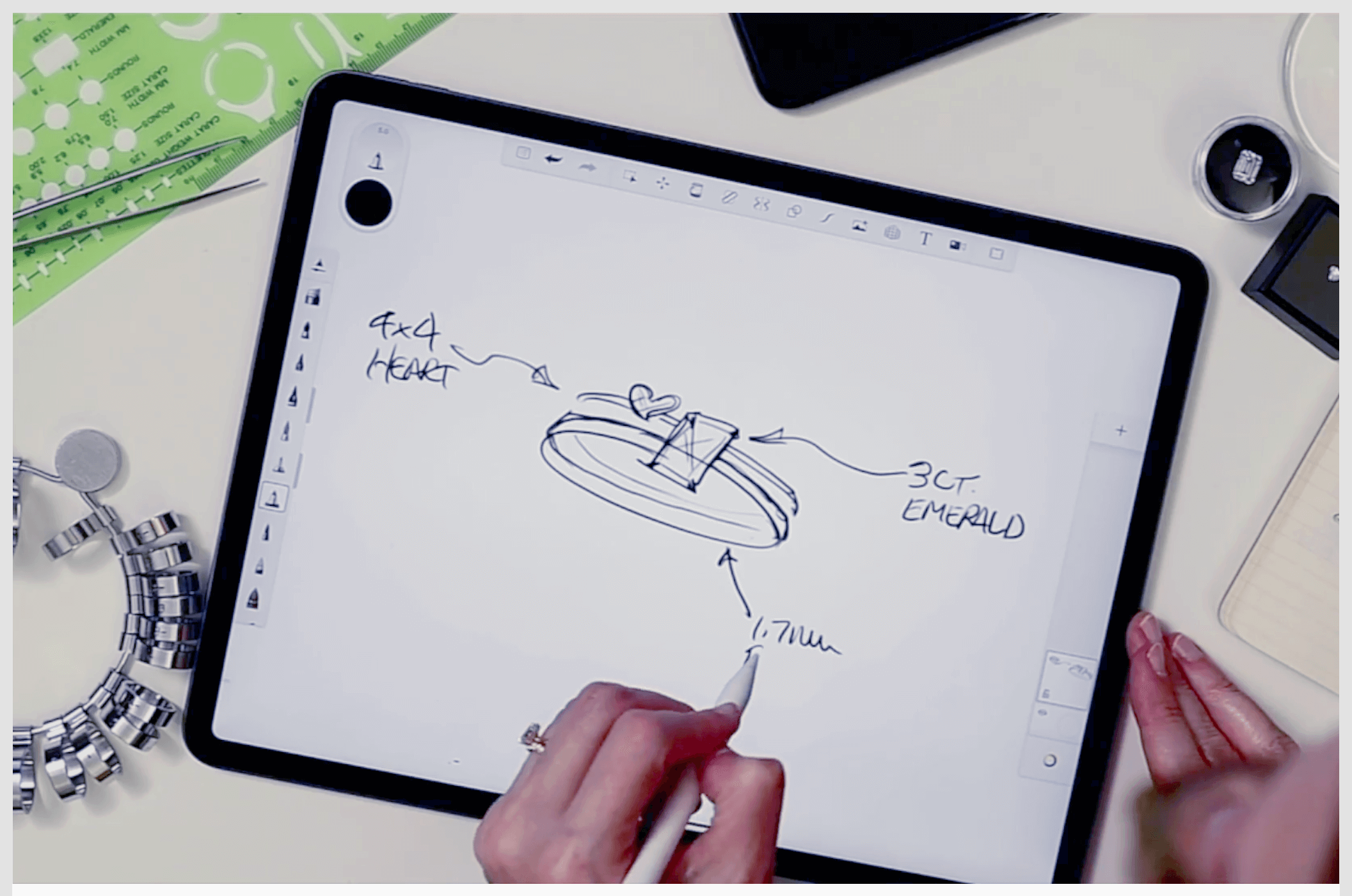
SketchBook is built around getting out of your way: a radial menu instead of a wall of panels, and a set of pencils, markers and brushes that respond properly to pen pressure.
It runs on Windows, macOS, iOS and Android, opens and saves Photoshop `.psd` files, and includes a flipbook mode for simple frame-by-frame animation.
The mobile app is free; the desktop version is a paid one-time purchase.
Good for sketching, concept work and anyone who finds full art suites cluttered.
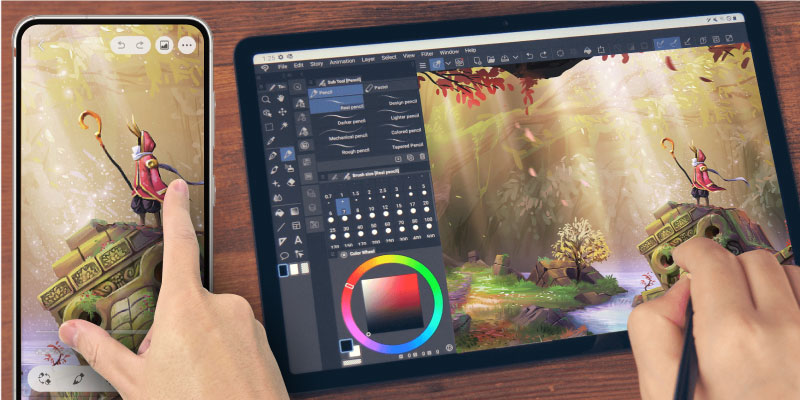
Clip Studio Paint (once Manga Studio) is the industry default for comics and manga, and it shows in the tooling: multi-page documents, panel and speech-balloon tools, screentones, and 3D figure models you can pose for reference instead of guessing at foreshortening.
The brush library is enormous, and the community adds to it constantly.
It runs on Windows, macOS, iPad and Android, and is sold either as a subscription or as a one-time perpetual licence — worth comparing, since the maths changes depending on how long you plan to use it.
Pick this one if you are drawing sequential art rather than single illustrations.
Krita is free and open source, and not in the stripped-down sense — it is a full painting application with customisable brush engines, raster and vector on one canvas, and frame-by-frame animation built in.
It runs on Windows, Linux and macOS, is developed by artists as much as by programmers, and updates regularly.
Because there is no cost and no account to create, it is the easiest of these to simply try. If you are learning digital painting and do not want to spend anything, start with Krita.
ArtRage takes the opposite approach to most digital tools: instead of simulating the look of paint, it simulates the physics of it. Oils thicken and smear, the canvas texture shows through, and colours blend on the page the way wet paint does.
Available on Windows, macOS and mobile, with a paid one-time licence for the desktop version.
Best suited to painters coming from traditional media who want the digital version to behave like the real thing rather than like a photo editor.
If you want Procreate's feel on Windows, take Fresco. If you want to spend nothing, take Krita. If you are making comics, take Clip Studio Paint. If you are sketching, take SketchBook. If you miss the smell of oil paint, take ArtRage.
And if what you actually want is to learn digital art rather than to shop for software, our Digital Art with Procreate course supplies the iPad — so you can find out whether the workflow suits you before buying any hardware at all.
Ask us through the chat on this page if you want to know which course fits what you are trying to make.
Start digital art from scratch — no drawing background needed.